 OpenAI
 Claude
 OpenRouter
 Telegram
 Jira
 WordPress
 Google
 Facebook
 Slack
 WhatsApp
 Microsoft 365
 Shopify
 HubSpot
 Notion
Productivity
Daily Jira Ticket Summary
One email each morning that summarises every Jira ticket created that day.
Works with
- Gmail
- Outlook
- Jira
- OpenAI
- Claude
- Gemini
- OpenRouter
 Gmail
 Outlook
 Claude
 Gemini
PricingFree
Production-ready AI agents for real business processes. Watch how each one works, connect your tools, test it on your own data, then switch it on — no coding needed.
Connects with the tools your team already uses
Open any agent to see how it works, what it needs and an example result — then try it free.
One email each morning that summarises every Jira ticket created that day.
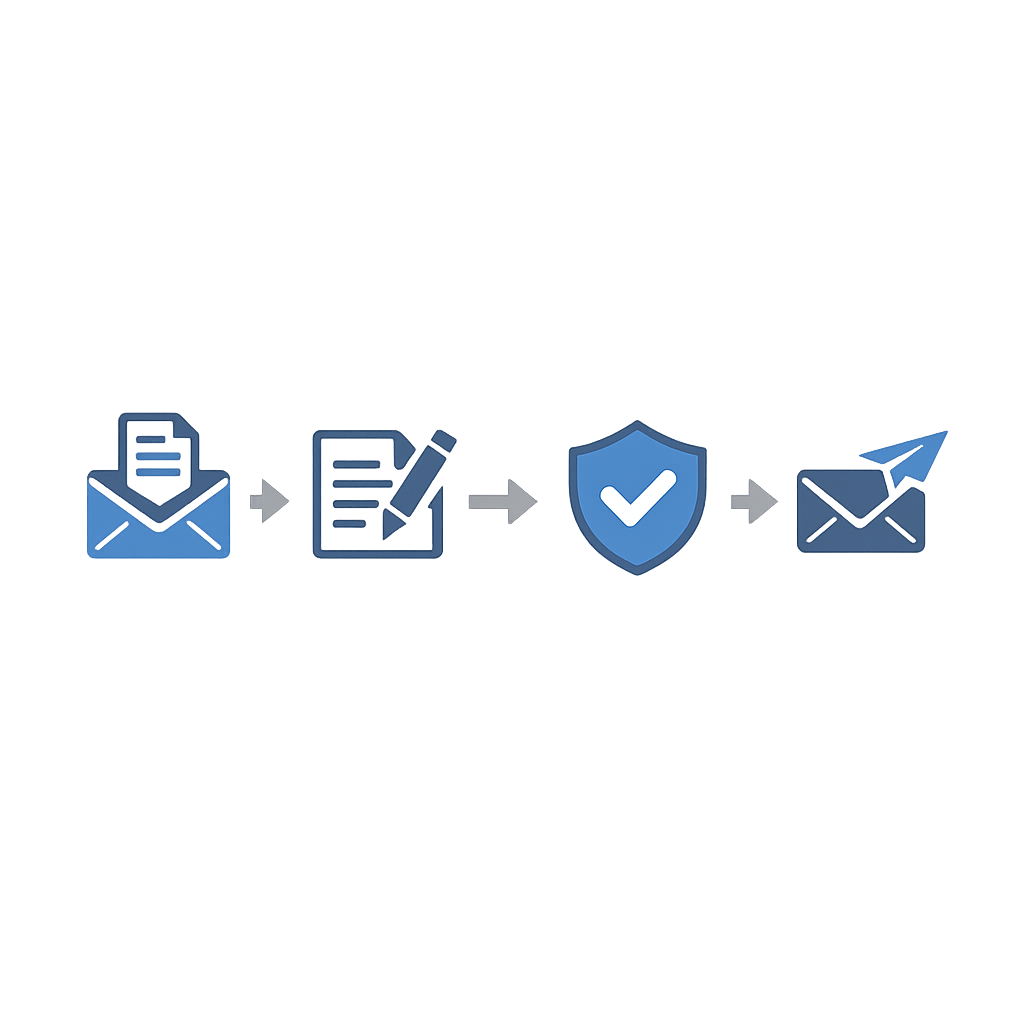
Summarises each new email and drafts a professional reply for your review or automatic sending from Gmail or Outlook.
Every morning, reads the last 24 hours of email in your Gmail or Outlook mailbox, asks AI for the key points and action items, and emails you the summary.
Creates draft replies to incoming emails in Gmail or Outlook using your chosen AI provider.
Checks each new email for phishing and files a Jira ticket with the verdict, analysis, and email body attached.
Our agents work inside the tools your team already uses. You connect each account once, without any webhook coding or custom API work, and new integrations are added as new agents are published.
API keys and access tokens are encrypted at rest, never shown again after you save them, and used only for the agents you set up.
Every agent is set up the same way: connect, configure, test, activate. No code and no servers to manage.
See exactly what the agent does, what it needs and an example of what you get back.
Sign in or paste an API key for each service the agent uses. Each connection is checked before you continue.
Choose your settings, then run a test on a real example and review every step of the result.
Switch it on. Run it, pause it and review its results from your dashboard at any time.
Agents use your own AI accounts. Plans differ by how many agents you can run at once and which agent groups they include.
Free
$5 / month
$15 / month
Contact us
Prices exclude VAT. Agents run on your own AI accounts, so plans are about how many agents you can have switched on at once.
Pick an agent, test drive it free, and let it take care of the repetitive work. Setup takes under 3 minutes.