
[ Back to Email Reply Assistant with Approval ]
Set up Email Reply Assistant with Approval
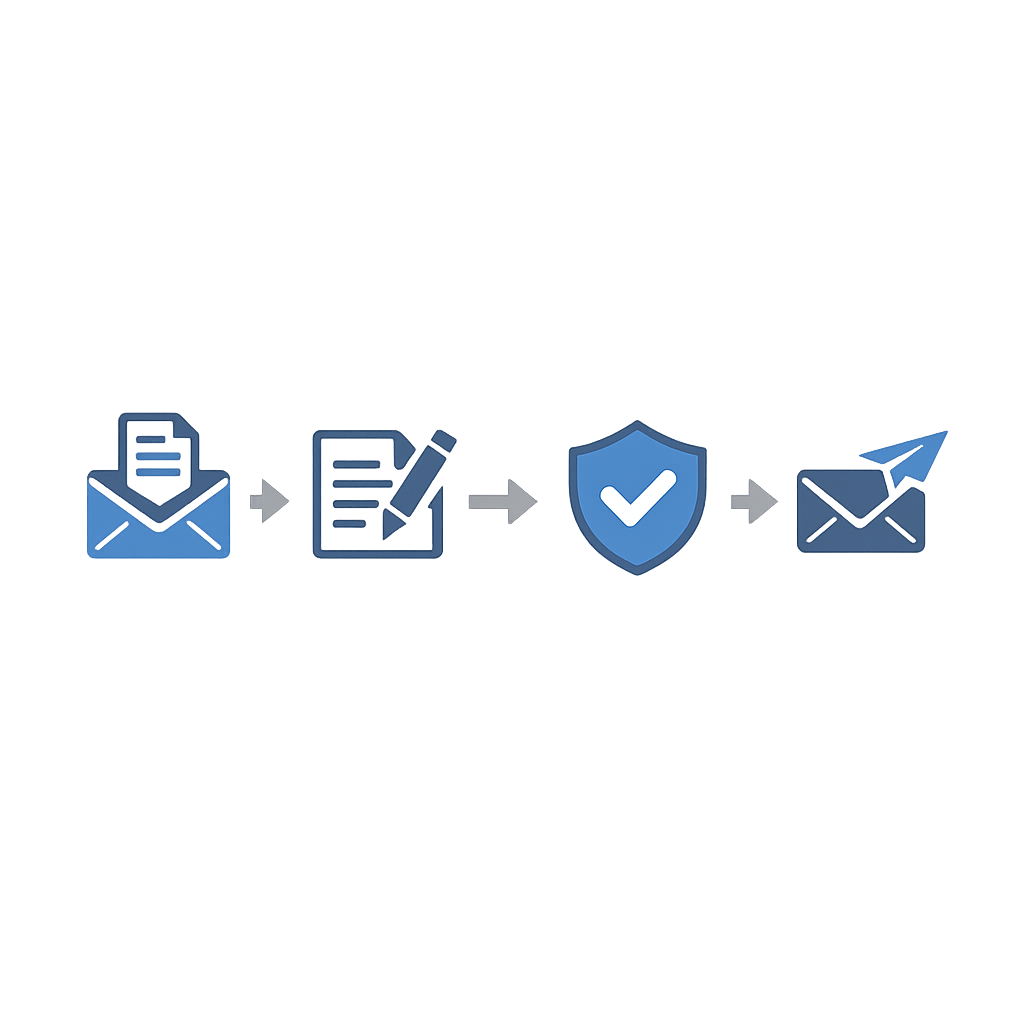
Five short steps. Your progress is saved as you go.






Step 1 of 5
Understand what's needed
Make sure you have access to these accounts before you start. If you don't have one yet, each takes a few minutes to set up.
- OpenAI, Claude, Gemini or OpenRouterRequired
Runs the AI steps on your account with the AI provider you choose (OpenAI, Claude, Gemini or OpenRouter).
You choose one during setup and connect only that account.
API key or token - Gmail or OutlookRequired
Reads and works on the mail in the mailbox you connect (Gmail or Microsoft Outlook).
You choose one during setup and connect only that account.
Sign in with your account
You'll also choose
- AI provider
- AI model
- Email provider
- Send without review(optional)
You will create a free account next.Create account and continue